
The global gaming market size was estimated at USD 298.09 billion in 2024 and is projected to reach USD 505.17 billion by 2030, growing at a CAGR of 8.7% from 2025 to 2030.
Learning how to make a video game combines creativity, logic, and technical skills. A lot of newcomers are curious about how to begin making games, like the video game development process. This guide teaches you to learn the steps needed to build your first game, including planning, prototyping, coding, testing, and launching.
Why is Making Video Games So Important?
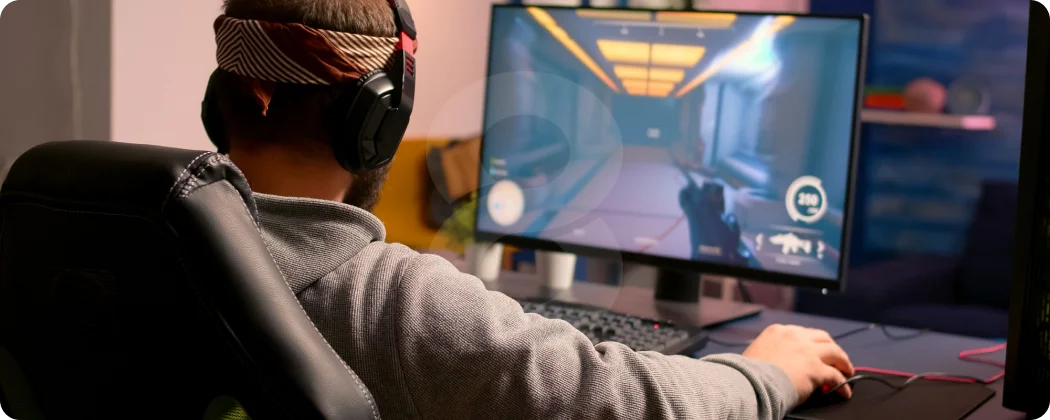
Making games unlocks the imagination and helps with development as well. You learn problem-solving, storytelling, and design, and also gain technical skills. Beginners get their hands dirty in creating video games where they learn programming, animation, sound design, and user experience. Learning to create video games is a deep dive into launching a game.
Important concepts about game development are also learned by working on smaller projects. For example, game play mechanics, level design, and the engagement of players.
Choosing the Right Tools

Picking the correct systems is the first step in making games. A game engine is the most important. Popular ones are:
- Godot Engine: Free and easy to begin working with, for creating 2D and 3D games.
- Unity: A well-known game engine that has great tutorials and a strong community, but only works with C#.
- Unreal Engine: Offers astonishing, lifelike graphics. Also, its capability of visual scripting is state-of-the-art.
- Stencyl: Drag-and-drop interface for beginners focusing on 2D games.
Planning Your Game

Before you dive into your first game development project, it’s important to have a sound plan in place and a clear vision. Projects that novices take on are often too big in scope and their vision proves to be too ambitious, resulting in getting stuck. Start small and select simple genres like platformers and puzzles. Determine your target platform, core game mechanics, scope, and genre.
Another thing that is important are game design documents (GDD). They are great for keeping everything in order and planning everything in advance. Include everything in it, like story, controls, art style, and level design. These documents serve as a great way to order your workflow and keep you in track.
Some things to remember when creating GDDs are:
- Mechanics in the game and major goals that you want to achieve through the game.
- The complexity of controls and interactions the player will have.
- How the player will advance through levels.
- Themes and tones that the visuals will have that will go along with the track.
A first-timer has a roadmap; in this case, a game development roadmap to follow, and executing it in the real world will help them understand the principles of game development.
Developing A Prototype
A prototype is a first working model of a plan you have come up with. In our case, it will be a model of the game, and it will consist of the core mechanics of the plan and skip the graphics and visuals to help you test and find if there are any mechanics that you still need to refine to achieve the desired gameplay. It is a very important step for beginners. It is a very valuable step and will help any beginner to create a game easily in the future. People with knowledge on how to create a game will find it easy to identify visual problems when prototypes are made because too much time and effort will not be wasted on visuals that will ultimately go unnoticed.
For prototyping purposes, you should:
- Set up the minimal player controls
- Have the player test the basic mechanics and interactions
- Use placeholder graphics and sounds
By prototyping, you begin to see how your ideas translate into actual gameplay, giving you practical experience in how to develop a video game.
Asset Creation and Integration

Once the prototyping stage is complete, the next step is to integrate your assets so the game is more than just a collection of images and sounds. This is the stage where the game is really brought to life, and it is the stage where beginners first get to see their ideas transform from mere sketches to a working game. You get to see the ideas come to life visually and through animations, and with the sounds included, it will finally feel like a complete game.
Some essential coding tasks include:
- Use basic assets first, and later on, you can replace them with more polished versions
- Organize your project files in a coherent and understandable way
- Check that all your assets function as intended in-game
The experience of adding in your first assets teaches beginners the valuable skill of balancing all 3 components of a game, which are the art, the sound, and the gameplay
Coding and Game Logic
Coding should definitely be the most important stage of game development in your eyes. It is the stage where all of your ideas and assets get transformed into a playable experience. This is the stage where you get to decide which mechanics will be responsive and which levels will be interactive and engaging. The simplest of games will still require a lot of code in order to function correctly and will still require a lot of complex game mechanics. Things like player movement, object collisions, scoring, and even interactions with enemies will all require your code to function correctly.
Beginners can also explore multiplayer game development to create engaging experiences where players interact in real time, adding a new layer of excitement to their games.
Some essential coding tasks include:
- Programming player movement and controls
- Implementing collision detection and physics
- Handling game rules, scoring, and win/lose conditions
- Creating simple AI for enemies or obstacles
Testing and Iteration
Through coding, you see the mechanics you planned in your game design document come to life, which is one of the most rewarding aspects of learning how to make a game.
Even when a game is well-crafted, it can feel broken without incorporating testing. In game dev, testing is a critical step. Testing should confirm that everything functions as it should and make sure there is enjoyment involved in playing as well. As in all things, creation involves work. For beginners, learning how to make a video game should include an understanding that there is as much importance in refining the game as in first crafting it.
When testing games, consider covering:
- Functional testing to ensure that specific mechanics are working as they should
- Usability testing to make sure that there is an understanding of the menus, controls, and user interface
- Activity testing in the environment of the target platform
Points of It is also very important! Playing one’s game can mean seeing it in an entirely new way. Iteration based on this can improve a game substantially. It can also improve one’s knowledge of the subject of game development.
The video game market size is estimated at USD 175,000,000,000.00 USD in 2024 and is projected to reach 320 billion USD by 2032, growing at a CAGR of 7.2% from 2025 to 2032, according to research by Future Market Report.
Launching Your Game
Finally, when the testing process is finished, your game is ready to be shared with the public. Launching is a crucial step in the game development process as it symbolizes the peak of all the hard work you have put in. The beginners who are learning how to make a video game, in this way, are educated in distribution, platform requirements, and audience engagement through the very process of the game launch itself.
The game release depends on the platform you want to target: either PC, web, or mobile. The most preferred platforms are Steam, itch.io, Google Play, or the App Store. An effective launch not only requires a playable game but also needs clear instructions, marketing assets, and attractive screenshots or videos to lure players.
After the launch, your game should be continuously refined. The feedback of the players could lead you to updates, bug fixes, and new content. This pattern teaches novices to carry out the process of developing a video game iteratively, even if it is post-release.
Tips and Techniques for Beginners
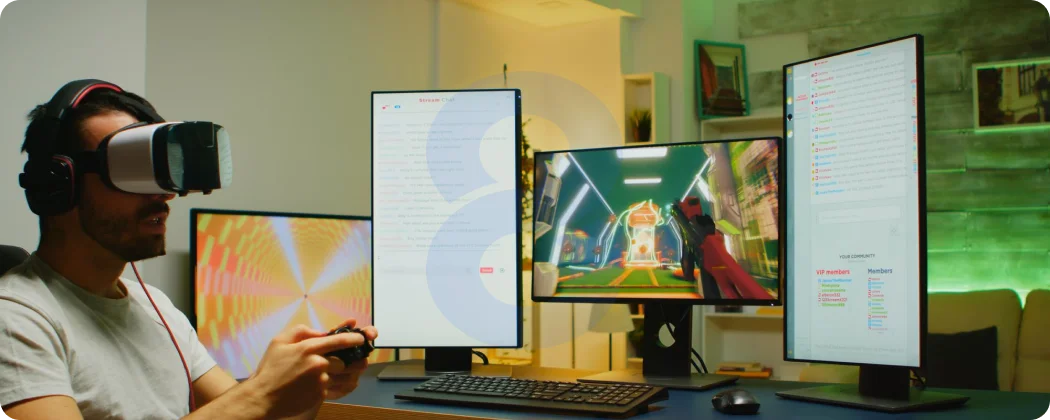
Making a game for the first time can be intimidating; however, if you stick to best practices, your development process can be greatly facilitated:
- Start Small: Keep the scope of your first project to simple mechanics and one or two levels. This way, the project is more likely to be finished.
- Prototype Early: Validate the essential game mechanics before adding any assets or polish to the game.
- Focus on Gameplay: If the mechanics are solid, even with very basic graphics, a fun experience might be created.
Choosing Your First Game Idea
It is very important for beginners to point out a mobile game idea which is not very difficult. Such projects can even allow you to learn and gain experience through the coding, designing, and testing processes. The easiest genres are the most to be respected:
- Puzzle games: Logic and interface design are mastered.
- Platformers: Movement, collision, and physics are dealt with.
- Top-down shooters: Basic AI and interactions are unveiled.
- Visual novels: Storytelling and choices take place.
- Endless runners: They are the best for mobile and repetitive gameplay.
Newcomers, therefore, starting off with a basic project will be able to create a game, understand it, and, at the same time, gain the confidence needed for the next, more difficult projects.
Common Mistakes to Avoid
Mistakes of different kinds accompany beginners when it comes to learning the creation of computer games. These mistakes can easily be identified and in turn, a huge amount of time and frustration can be saved:
- Scope that is too ambitious: A huge project in the beginning will mostly end up in unfinished games.
- Prototyping missed: Testing mechanics is not done while moving on to assets resulting in problems later on.
- Testing neglected: The experience of the player can be totally ruined by bugs or unclear controls.
- Gameplay over graphics: A game has a great chance of failure if it lacks good mechanics even though it is beautifully made.
- Projects not finished: A small game completion gives more teaching than starting a big one and then abandoning it.
Going through these mistakes only once, but by then to keep your learning in game development and confidence building through each project, is the best way to go.
The Beginner’s Roadmap
The following is a very practical roadmap to any beginner learning how to make a game:
Here’s a practical roadmap for anyone learning how to make a game:
- Select your tools: Pick a game engine and asset creation tools.
- Plan your project: Write a game design document to outline your idea.
- Prototype: Implement core mechanics without worrying about polish.
- Integrate assets: Add graphics, animations, and sound.
- Code game logic: Implement player controls, interactions, and rules.
- Test and iterate: Playtest, fix issues, and refine gameplay.
- Launch: Export and share your game on your chosen platform.
- Post-launch updates: Gather feedback, patch bugs, and improve your game.
This roadmap covers the full lifecycle of how to create a video game while keeping tasks manageable for beginners.
As CEO of Muzamil Liaqat Rao says,
“Video games transform imagination into worlds you can explore. They let players live experiences that go far beyond reality.”
Build Your Next Game With 8ration
Learning how to make a game, how to create a video game, and how to develop a video game is both challenging and rewarding. By following a structured process, from planning and prototyping to coding, testing, and launching, you can transform ideas into playable games. Start with small, achievable projects, focus on core mechanics, and iterate based on feedback. Completing your first game gives you practical experience and builds the confidence to tackle more ambitious projects in the future.
Remember, every successful game developer started with small experiments. By understanding how to make a video game and practicing consistently, you can gradually master the art and science of game development. At 8ration, our mission is to help aspiring developers and businesses understand how to make a video game by providing guidance, tools, and professional insights.