There’s a specific kind of tired that settles in when you’re running a growing business and your accounting setup is held together with spreadsheets, three different tools that don’t talk to each other, and a very patient bookkeeper who’s quietly updating their resume.
You’re not broke. You’re not failing. But money keeps disappearing and you can’t quite figure out where. An invoice was sent to the wrong client. A tax deadline slipped. Someone approved an expense twice because nobody caught the duplicate. The quarterly report took two weeks to pull together and by the time you read it, the numbers were already stale.
That’s not a cash flow problem. That’s a systems problem.
And it’s exactly why custom accounting software development has gone from a “nice-to-have for enterprise” conversation to something businesses of all sizes are now taking seriously.
Why Off-the-Shelf Accounting Tools Eventually Start Working Against You
Most businesses start the same way. You sign up for QuickBooks or Xero, it works fine, and the friction is low. Then the business grows. Or it gets complicated. Or both.
Suddenly you’re exporting data into spreadsheets just to get a useful report. Your team copies numbers between platforms because nothing syncs. You’re paying for features you’ve never touched while the one thing you actually need isn’t in the product.
Off-the-shelf tools don’t scale with you. That’s the part nobody says clearly enough. Custom solutions can automate up to 90% of core accounting tasks, compared to the ceiling generic tools hit. The workarounds you’re building around a tool that almost fits are costing you more than you think.
What custom-built actually means (and when it’s worth it)
Yes, custom software can mean a six-figure build with an 18-month timeline. That version exists. But for most growing businesses, custom accounting software development just means a system built around your actual workflows, integrations, and compliance needs rather than someone else’s.
The right comparison is total cost of ownership over three to five years. Custom software typically reaches cost parity by year three, with organizations saving 30–40% over five years and break-even landing around 18–24 months.
That’s not a pitch. That’s just math.
The Real Cost of Financial Errors in Business
Let’s stop talking in abstractions for a second.
A duplicate payment processed because your accounts payable system didn’t flag it. A revenue recognition error that throws off your quarterly forecast. A tax calculation that uses the wrong rate because somebody manually updated a field in a spreadsheet. A vendor invoice paid twice because it was submitted through two different channels.
None of these are catastrophic on their own. Together, they’re bleeding you out.
Gartner’s 2024 IT spending forecast showed that poor software decisions cost businesses an average of $15 million. Not all of that is accounting-specific, but a significant portion traces back to financial systems that weren’t built to handle the actual complexity of modern business operations.
Advanced software technologies possess the capability to automate almost 75% of current accounting tasks. That’s not automating people out of jobs. That’s automating out the part of the job where humans get tired and make mistakes at 4pm on a Friday.
Where the money actually leaks
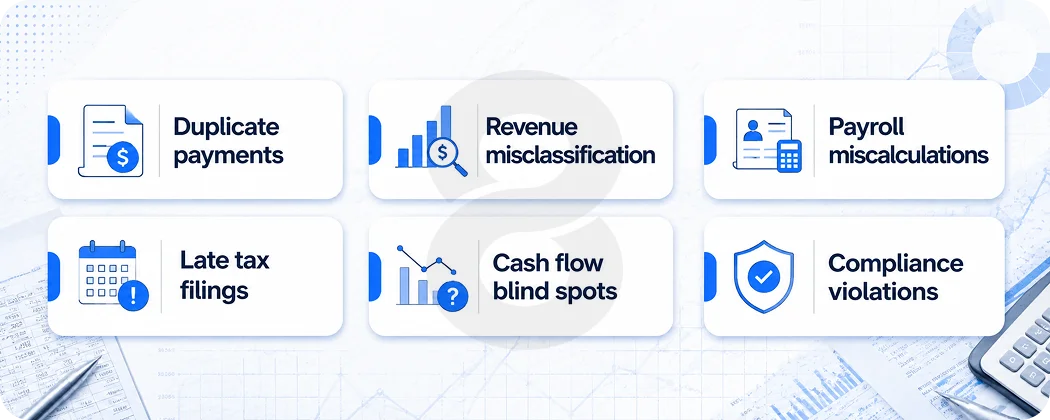
The most common financial errors that custom accounting software development can systematically prevent aren’t exotic. They’re embarrassingly mundane:
| Error Type | What Causes It | What a Custom System Does |
|---|---|---|
| Duplicate payments | No cross-channel invoice matching | Automated duplicate detection before approval |
| Revenue misclassification | Manual entry across disconnected tools | Integrated data pipeline with validation rules |
| Payroll miscalculations | Spreadsheet formulas with human updates | Automated payroll engine with compliance rules baked in |
| Late tax filings | No proactive deadline tracking | Built-in tax calendar with automated alerts |
| Cash flow blind spots | Reports built on stale, manual data | Real-time dashboards pulling from live sources |
| Compliance violations | Different team members applying different rules | Centralized compliance logic enforced system-wide |
A construction company using manual spreadsheets spent 10+ hours per week on payroll calculations. After switching to a custom accounting solution with automated payroll processing, they reduced payroll errors by 40% and saved 5+ hours per week.
Five hours a week is 260 hours a year. At even a modest hourly rate, that’s a real number. And that’s before you factor in the cost of the errors themselves.
What Modern Custom Accounting Software Development Actually Builds
The term “accounting software” undersells what’s possible when you build for your specific business context. This isn’t just about moving numbers from one column to another faster.
When teams that specialize in AI development and custom software builds approach an accounting system from scratch, the result looks very different from what you get off the shelf.
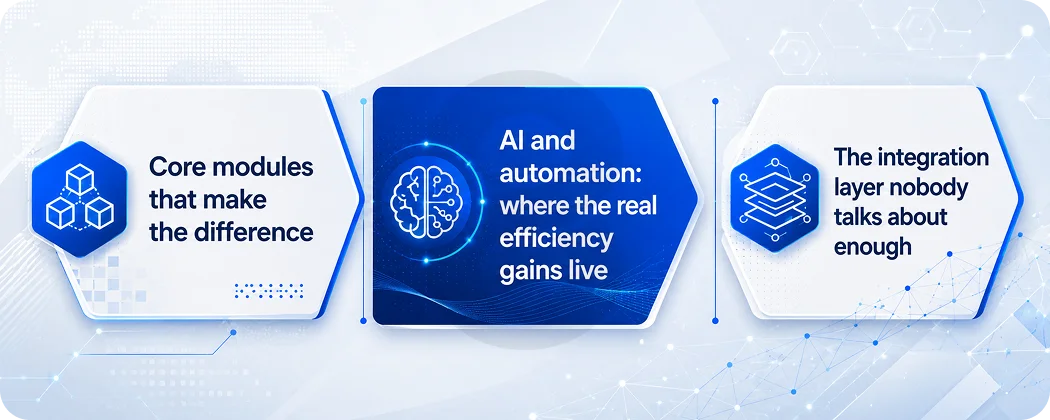
Core modules that make the difference
A well-built accounting system for a mid-sized business typically includes accounts payable and receivable automation, real-time bank reconciliation, integrated payroll processing, tax calculation and compliance tracking, multi-currency support, and financial reporting dashboards. But what makes it worth the investment isn’t the feature list. It’s how tightly those features fit your actual data structure and business logic.
Cloud-first strategies, real-time regulatory reporting mandates, and embedded artificial intelligence features continue to redefine competitive advantage, with cloud deployments already anchoring 67% of revenue in 2024.
The shift to cloud-native architecture matters practically. Your finance team can work remotely without VPN headaches. Your data updates in real time instead of overnight batch processes. And your system stays current with compliance changes without requiring someone to manually apply patches.
AI and automation: where the real efficiency gains live
Firms are using AI-powered software to automatically categorize expenses, reconcile accounts, and generate financial reports. This saves time and reduces the risk of manual errors.
This isn’t futuristic. It’s happening right now in businesses that made the investment.
81% of accountants report AI boosts productivity, and 86% agree it reduces mental load. Meanwhile, 82% of accountants report proprietary AI systems are already in use or planned for development, meaning firms are tailoring technology to match their specific footprint.
The accounting software you build today can include machine learning models that learn your expense categorization patterns over time, anomaly detection that flags unusual transactions before they’re approved, and predictive cash flow modeling that gives you 30, 60, 90-day visibility rather than just a snapshot of right now.
Automated bookkeeping is the fastest-growing segment of AI accounting applications, growing at a 47.8% CAGR. Businesses are prioritizing daily transaction efficiency as the clearest route to measurable ROI through labor-hour savings and error reduction.
The integration layer nobody talks about enough
The thing that breaks most accounting systems isn’t the accounting logic. It’s the connections.
Your accounting data lives in your bank. Revenue data sits in your CRM. Inventory costs are tracked in your warehouse management system. Payroll runs through yet another separate platform. When none of these systems communicate without manual intervention, your finance team becomes a data janitor instead of a financial strategist.
A properly scoped accounting software development project maps these integrations from day one. Data flows in automatically. Reports pull from live sources. Your month-end close stops being a ten-day ordeal and starts being something that mostly handles itself.
Custom vs. Off-the-Shelf: A Comparison for Growing Businesses
Before committing to a custom accounting build, it’s worth understanding exactly where the trade-offs sit. This isn’t a binary choice where one option is always better.
| Factor | Off-the-Shelf (e.g., QuickBooks, Xero) | Custom Accounting Software |
|---|---|---|
| Upfront Cost | Low ($10,000–$50,000/year) | Higher ($50K–$700K+ depending on scope) |
| Time to Deploy | Days to weeks | Months |
| Workflow Fit | Generic, may require process changes | Built around your exact processes |
| Scalability | Limited, may require platform changes | Scales with your business by design |
| Integration | Standard connectors, limited flexibility | Custom integrations with any system |
| Compliance | Standard compliance features | Compliance logic tailored to your industry |
| Long-Term Cost | Subscription fees + workaround costs add up | Higher upfront, lower total cost of ownership over 3–5 years |
| Ownership | Vendor-controlled | You own the system and the IP |
The honest read: if you’re a small business with straightforward needs, a standard tool is genuinely the right answer right now. The clearest signal that custom makes sense is when the time and labor spent on workarounds, manual data transfers, re-entry errors, and process delays exceed the cost to build and maintain a custom solution.
But if you’re growing fast, operating in a regulated industry, running multi-entity finances, or dealing with integrations that your current tool simply can’t handle, you’re probably past that threshold already.
Teams with experience in mobile app development and enterprise eCommerce development understand that financial systems don’t operate in isolation. Accounting software that connects to your storefront, your inventory, your logistics, and your CRM isn’t a fantasy. It’s what mid-market businesses are building right now.
Industry-Specific Accounting Needs That Generic Software Misses
Here’s where generic accounting tools fall apart most visibly. Different industries don’t just have different workflows. They have fundamentally different financial logic.
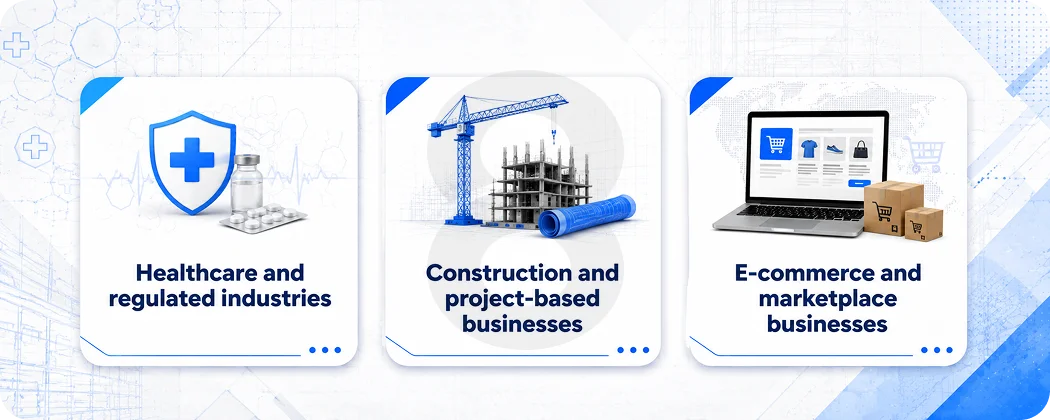
Healthcare and regulated industries
Healthcare providers deal with insurance billing, reimbursement cycles, HIPAA compliance requirements, and revenue recognition rules that standard accounting tools are simply not built for. A medical practice or health tech company that tries to manage its finances through QuickBooks ends up spending enormous energy on workarounds for things that should be native functionality.
Custom accounting software built for healthcare can include automated insurance claim reconciliation, compliance audit trails that satisfy regulatory requirements, patient billing logic, and multi-payer revenue tracking. These aren’t edge cases. They’re core to how revenue actually flows in that industry.
Construction and project-based businesses
Construction companies using manual spreadsheets typically spend 10+ hours per week on payroll calculations alone. Add job costing, subcontractor management, progress billing, retainage tracking, and lien waivers, and you have a financial picture that no generic tool handles gracefully.
Project-based accounting requires cost-to-complete tracking, budget vs. actual reporting at the project level, and cash flow projections that account for billing milestone timing. A system built for this eliminates the spreadsheet layer that most construction firms have built on top of their accounting software out of necessity.
E-commerce and marketplace businesses
Multi-currency transactions, marketplace fee reconciliation, returns and refunds that affect revenue recognition, inventory cost accounting, and sales tax compliance across multiple jurisdictions. The accounting logic for an e-commerce business that operates across multiple channels and geographies is genuinely complex.
Cross-border e-commerce transactions hit $1.245 trillion in 2024 and are projected to reach $4.574 trillion by 2032. Managing multi-currency transactions, FX gains and losses, and instant reconciliation requires automation that traditional software cannot deliver.
If your business is in this space, you’ve probably already hit the ceiling of what off-the-shelf tools can do for you.
A note on compliance
In September 2024, US construction firms were targeted via accounting software that hackers exploited using weak passwords. In February 2025, the NJCCIC warned of increased cyberattacks exploiting trusted accounting software, especially during tax season.
Security and compliance aren’t afterthoughts in custom accounting development. A good build includes role-based access controls, full audit trails, encrypted data storage, and compliance logic that updates as regulations change. These are things that generic tools provide in a one-size-fits-all way. Custom builds get them right for your specific regulatory environment.
Read More: Offshore Software Development Guide: How to Find the Right Partner
What Good Accounting Software Development Actually Looks Like in Practice
A lot of people assume that building custom software means handing off a requirements document and waiting. Good development doesn’t work that way, especially for something as operationally critical as financial systems.
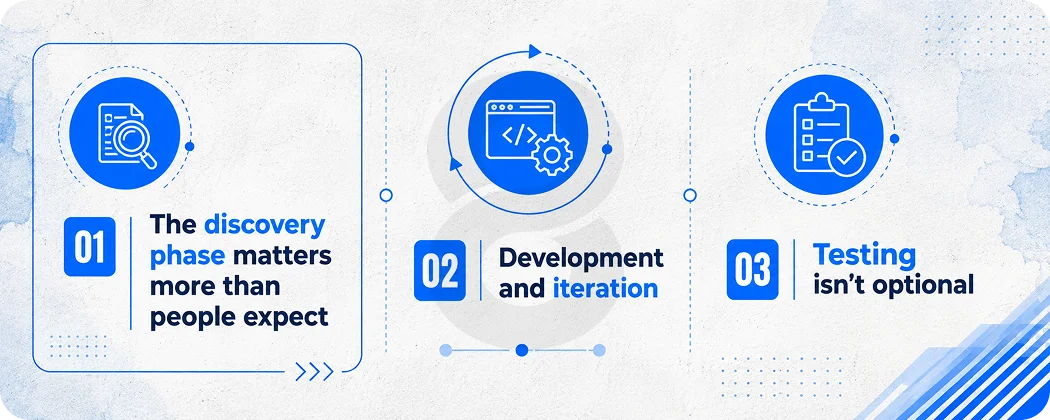
The discovery phase matters more than people expect
Before any code gets written, the development team needs to understand how money actually moves through your business. Not how it should move in theory, but how it actually moves. Where are the manual steps? Where does data get duplicated? Which reports do you run every week and which ones take you three days to build?
UI/UX design for accounting systems is often underestimated. Finance teams spend hours every day inside these tools. A poorly designed interface isn’t just annoying. It leads to errors, slow adoption, and eventually a system that people route around rather than use.
Development and iteration
Accounting software doesn’t launch complete. The best builds are iterative, starting with the core financial engine and then adding modules as the team validates what’s working. This is how you avoid building six months of features that nobody uses.
Full-stack development for accounting systems typically involves backend architecture for data integrity, API development for integrations, a front-end reporting layer, and a database design that can handle transaction volumes at scale without slowing down.