There’s a question that comes up in almost every early project meeting. Someone has a product idea, they’ve done the pitch deck, maybe raised a small round, and now they’re sitting across from a development team asking: “So… Android or iOS?”
And the honest answer is that it depends on things most people haven’t figured out yet.
The iOS vs Android development debate has been running since 2008 and it still doesn’t have a clean winner, because the two platforms serve genuinely different goals. Android gives you reach. iOS gives you revenue. Getting that backwards can cost you six months and a significant chunk of your budget before you’ve shipped a single meaningful feature.
This guide doesn’t pretend there’s one right answer. But it will tell you how to figure out what the right answer is for your specific situation, and what to actually expect when you start building.
What the Market Looks Like in 2026
Most people open a comparison article, see that Android has 72% global market share, and decide that’s the obvious choice. Then they build for Android, launch in the US, and wonder why their monetization is underperforming.
Android dominates globally at around 72% market share, driven by its strength across Asia, Africa, Latin America, and Eastern Europe. iOS controls 28% globally but punches far above its weight in high-income markets. That’s the first thing to internalize. The global number means very little if your audience is in Chicago, not Chennai.
Despite fewer users, the App Store is projected to generate $161 billion by 2026, compared to $72 billion for Google Play. iOS users spend an average of $10.40 monthly on apps versus $1.40 for Android users. That’s not a small gap. That’s a structural difference in how the two audiences relate to paid software.
So the real question isn’t “which platform is bigger?” It’s “which platform has the users who will actually pay for what you’re building?”
| Factor | Android | iOS |
|---|---|---|
| Global Market Share (2026) | ~72% | ~28% |
| Monthly Per-User App Spend | $1.40 | $10.40 |
| Strongest Regions | Asia, Africa, Latin America & Eastern Europe | US, Canada, UK, Australia & Western Europe |
| Monetization Fit | Ad-Based, Freemium & Volume-Driven | Subscriptions, Premium & B2B |
| Developer Account Cost | $25 One-Time | $99 Annually |
| Review Timeline | Hours to a Few Days | 24–48 Hours (Up to a Week) |
If you’re building a subscription app for US professionals, the data points to iOS. If you’re building a freemium social tool targeting Southeast Asia, Android is the obvious move. Most founders understand this intellectually but still default to “let’s do both” without the budget to do either well.
Read More: Cross Platform App Development Guide: Everything Businesses Need to Know
Android vs iOS Development: The Real Technical Differences
People underestimate how different the actual day-to-day of iOS vs Android development feels. It’s not just a language swap.
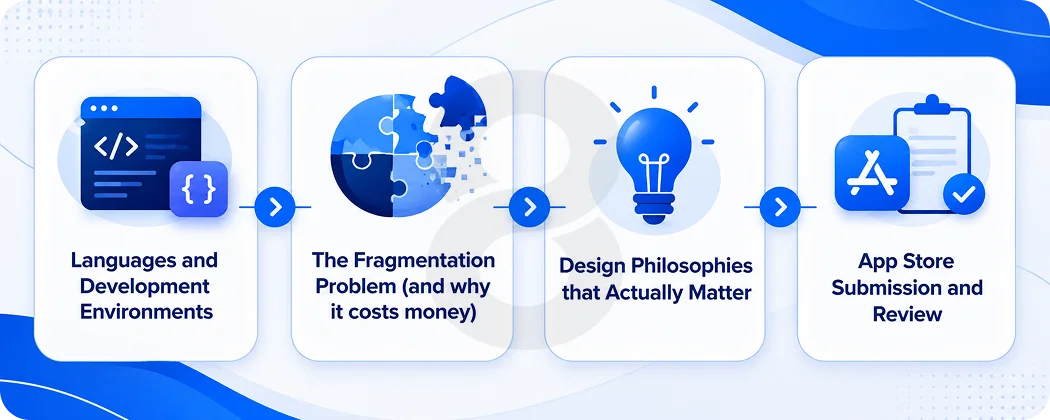
Languages and Development Environments
For iOS development, you’ll primarily work with Swift 6, Apple’s modern programming language that introduced improved concurrency handling, safer memory management, and better SwiftUI integration. It’s opinionated. Apple wants things done a certain way, and when you work within that structure, it actually flows pretty well. Xcode has its quirks but it’s a capable environment.
Kotlin 2.0 is the preferred language for Android development. It’s designed to be concise and expressive, reducing boilerplate code by approximately 40% compared to Java and improving readability. It’s fully interoperable with Java, allowing teams to leverage existing Java libraries while enjoying Kotlin’s modern features like coroutines for efficient asynchronous programming.
Both languages have matured significantly. The “iOS is easier to develop for” narrative used to be more true than it is now. Kotlin has closed a lot of that gap. The real developer experience difference isn’t the language anymore.
Read More: How to Hire Android Developers in 9 Steps
The Fragmentation Problem (and why it costs money)
This is the thing that still bites Android projects, and it’s consistently underestimated in scoping conversations.
In 2026, active Android devices span 5 major OS versions, with Android 15 adoption at approximately 38.7% and Android 14 at 31.2%, meaning nearly 30% of active devices run Android 13 or earlier. Screen sizes range from 4-inch budget phones to 12-inch foldables.
What that means in practice: Android developers must test across multiple screen sizes, handle varying RAM constraints from 1GB to 16GB and above, account for manufacturer-specific UI overlays like Samsung One UI and Xiaomi MIUI, and accommodate different levels of API support across older OS versions. It’s genuinely complex work, and it takes time.
Read More: How Much Does It Cost to Develop an Android App
iOS development benefits from Apple’s tight hardware and software integration. There are fewer devices, fewer OS versions in active use, and far fewer edge cases to account for. That’s not a small advantage. It shows up directly in QA timelines and testing costs.
Design Philosophies that Actually Matter
These aren’t just aesthetic preferences. They affect how your UI needs to be built and what users expect.
| Aspect | Android (Material You) | iOS (Human Interface Guidelines) |
|---|---|---|
| Visual Language | Bold Colors, Dynamic Theming & Tactile Depth | Minimalism, Clarity & Flat Design |
| Navigation | Back Button, Bottom Navigation & Drawer Patterns | Swipe Gestures, Tab Bars & Modal Sheets |
| Typography | Material Design Type Scale | San Francisco Font with Optical Sizing |
| Adaptive Layout | Highly Adaptable Across Screen Sizes | Optimized for Apple Device Dimensions |
| Component Library | Material Components for Android | UIKit & SwiftUI Native Components |
Users on each platform have internalized these conventions. An Android-style interface shipped on iOS feels off to iPhone users, and vice versa. If you’re building for both platforms natively, you’re really building two different UI experiences on top of shared logic.
App Store Submission and Review
Apple charges $99 per year for a developer account and puts every app through a thorough review covering compliance with guidelines, privacy standards, and overall app quality. Google Play requires a $25 one-time developer account fee, and provides multiple testing tracks to help teams validate functionality before launch.
Apple’s reviews typically complete in 1 to 3 days for standard submissions, with some apps taking up to 7 days if additional review is triggered. Google Play reviews generally complete within a few hours to a few days.
That review time gap matters more than people realize. A critical bug fix on Android can go out same-day through a staged rollout. On iOS, you’re waiting. That’s an operational reality, not a gotcha, but teams should plan for it.
Android vs iOS Development Cost and Timeline: What to Actually Budget
The Android vs iOS development cost comparison gets murky online because a lot of estimates ignore the real variables. Here’s what actually drives the numbers.
Development Cost Ranges in 2026
The cost of building an iOS app for a standard MVP typically ranges from $30K to $80K depending on feature complexity. Android development is slightly more complex than iOS due to device diversity, running approximately 10 to 15% more expensive for comparable features due to testing, debugging, and optimization requirements.
For more complex products:
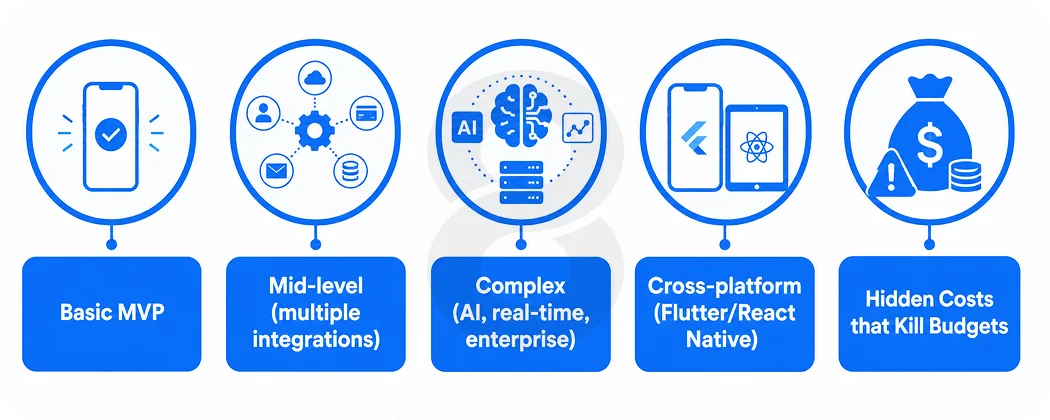
| App Complexity | iOS Timeline | Android Timeline | Approx. Cost Range |
|---|---|---|---|
| Basic MVP | 8 to 12 Weeks | 10 to 14 Weeks | $30K to $80K |
| Mid-Level (Multiple Integrations) | 5 to 8 Months | 6 to 9 Months | $50K to $100K |
| Complex (AI, Real-Time & Enterprise) | 8 to 16 Months | 10 to 18 Months | $100K to $200K+ |
| Cross-Platform (Flutter / React Native) | Same as Single Native Build | Ships Both Simultaneously | $35K to $120K Total |
The cross-platform numbers deserve attention. The same app built cross-platform with React Native or Flutter typically runs $35K to $70K and ships to both platforms simultaneously in 8 to 12 weeks.
The cross-platform path is the economic winner in almost every scenario, with exceptions being apps that require platform-specific hardware APIs or apps where maximum UI performance is a core product differentiator.
Read More: How Much Does it Cost to Develop an iOS App
Hidden Costs that Kill Budgets
Annual maintenance is the line item that most early-stage projects don’t model correctly. Expect 15 to 22% of the initial development cost per year in ongoing maintenance. Android maintenance tends to cost more over time due to device diversity, while iOS maintenance spikes during major OS releases.
Apple releases major iOS versions annually with sometimes-breaking API changes, requiring app updates within 6 to 12 months to maintain App Store presence. Testing on new iOS versions alone costs $5K to $15K per release, with ongoing iOS maintenance averaging $10K to $20K annually for typical apps.
These costs are real and they compound. A $60K project becomes a $75K project in year one once you account for maintenance, backend hosting, and the inevitable compatibility work when the next OS drops.
Security, AI Integration, and What’s Changing in 2026
Security Models
Apple’s closed ecosystem creates a tightly controlled security environment. The App Store review process, while frustrating for fast-moving teams, does catch a meaningful amount of malicious software before it reaches users.
Android’s open-source structure offers greater flexibility but introduces more exposure points, with Android accounting for the overwhelming majority of mobile malware cases reported annually across the industry.
For regulated industries, healthcare, fintech, enterprise tools, the iOS security posture is a genuine advantage, not just a marketing claim. Teams building for these verticals often find that compliance requirements effectively make the platform decision for them.
On-Device AI is now a Real Differentiator
Both platforms have made serious moves in AI tooling, but the implementation looks different.
Apple’s on-device AI advantage in 2026 is significant for apps requiring privacy-first ML inference. Apple Intelligence (available on iPhone 15 Pro and all A17/M-series devices from iOS 18) enables on-device summarization, image analysis, and writing tools without data leaving the device, a critical differentiator for healthcare and enterprise apps. Gemini Nano on Android is limited to Pixel 8 and above and is not yet available on the broader Android device ecosystem.
For cloud-based AI integration using OpenAI, Anthropic, AWS Bedrock, or Google Vertex, both platforms are equivalent. All major AI providers publish clean iOS and Android SDKs, and the platform choice does not affect AI capability when cloud inference is used.
So if you’re building a product where on-device, privacy-preserving AI is a core feature, iOS has a real head start right now. If you’re integrating cloud AI, it’s a wash, and AI development decisions can be made independently of platform.
Kotlin Multiplatform is Worth Watching
The real differentiator emerging in 2026 is Kotlin Multiplatform (KMP). Google has invested heavily in KMP as a way to share business logic across Android, iOS, and desktop while keeping platform-specific UI native. It is not Flutter as it does not replace the UI layer, but for teams already writing Kotlin for Android, KMP is a compelling way to reduce iOS development overhead without sacrificing native performance.
This is genuinely new territory. Teams building custom software with heavy shared business logic are starting to experiment with KMP as a middle path between full native and full cross-platform.
Choosing Between Native, Cross-Platform, and Hybrid
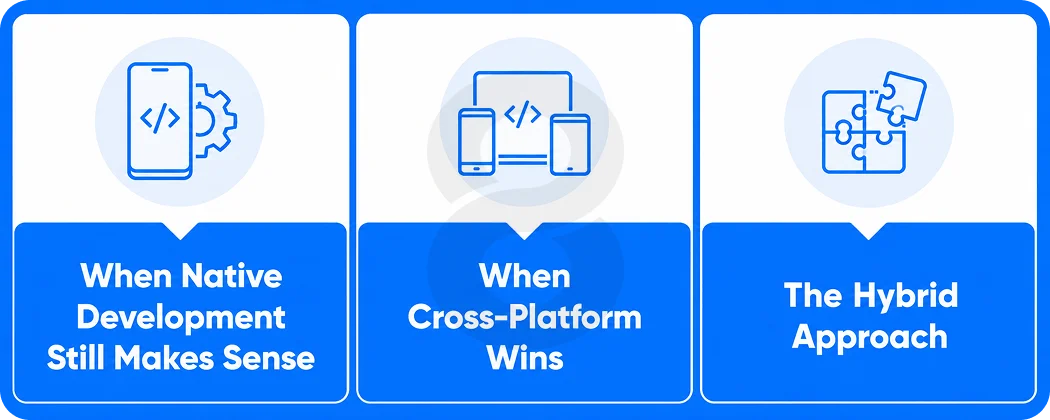
This choice used to be simple. Native was “right,” cross-platform was a compromise. That’s no longer true.
When Native Development Still Makes Sense
Native Android or native iOS development is the right call in a specific set of situations. Hardware-intensive features like ARKit on iOS, complex camera pipelines, deep NFC integration, and advanced sensor access all perform better when built close to the metal.
Apps where the user experience is the product, think high-end fintech products or healthcare apps with complex data visualization, also benefit from the polish that native app development provides.
If you’re building for a single platform and have no plans to expand, native is cleaner long-term. One codebase, one team, one deployment target.
Read More: How to Create an App on iOS that Stands Out: Expert Insights from 8ration
When Cross-Platform Wins
In 2026, the performance gap between native and cross-platform is negligible for 90% of apps. Only games, AR/VR, or highly specialized apps truly need fully native development. Wildnet Edge
Flutter has become the dominant cross-platform choice for new projects in 2026. It compiles to native ARM code, ships consistent UI across platforms, and has a mature ecosystem of packages. React Native remains strong for teams with existing JavaScript or TypeScript expertise, and the Expo framework has made it significantly more accessible for smaller teams.
The economic argument for cross-platform is hard to argue with. You’re not maintaining two codebases, two build pipelines, two testing environments. For most web and mobile products, that’s a significant ongoing operational saving.
The Hybrid Approach
Many teams use a third path: build the core shared logic once, layer platform-specific UI on top, and use frameworks like KMP or carefully scoped React Native to keep native feel where it matters. It’s more complex to architect upfront but pays off as the product matures.
| Approach | Best For | Development Cost | Time to Market | Long-term Maintenance |
|---|---|---|---|---|
| Native iOS Only | Premium US/UK Market, On-device AI | Moderate | Fast | Moderate |
| Native Android Only | Emerging Markets, Global Volume | Moderate-High | Moderate | Higher |
| Dual Native | Large Budgets, Performance-critical | High | Slower | Higher |
| Flutter / React Native | Most Startups, MVPs & Cross-market Apps | Lower | Fast (Both Platforms) | Lower |
| Kotlin Multiplatform | Kotlin-first Teams, Logic Sharing | Moderate | Moderate | Moderate |
How 8ration Approaches Android and iOS Development
Most agencies will tell you what you want to hear. Building and building well are different things, especially when the platform decision has downstream consequences for monetization, user retention, and long-term costs.
At 8ration, the first conversation isn’t about frameworks. It’s about audience. Where are the users? What’s the monetization model? Is there a hard launch deadline? The platform recommendation comes from that, not from whatever stack someone learned last.
The team works across native iOS with Swift, native Android with Kotlin, and cross-platform with Flutter and React Native. For products already in production and evaluating a second platform, or considering a migration to reduce ongoing costs, 8ration handles those technical audits too. Having a team that’s worked across both sides of Android vs iOS development makes a real difference in how accurately the scope gets estimated.