Payroll is the one part of running a business that nobody gets excited about until it breaks. Nobody schedules a meeting around getting payroll right. But everyone notices the day it goes wrong.
A late direct deposit, a wrong tax withholding, an employee who messages late at night asking where their paycheck went. It happens fast, and it happens at the worst time, usually right when the owner is already buried in something else.
That’s the honest reason so many businesses end up shopping for payroll software solutions. It rarely starts as a strategic decision. It starts as a Tuesday where someone spent four hours fixing a spreadsheet error that should have taken four minutes.
Multiply that by every pay period, add a few new hires, throw in a state with different tax rules, and the math stops working.
This article covers what payroll software solutions actually do differently from a spreadsheet, what mistakes cost businesses, and how to pick a system that will not need replacing the moment the team doubles in size.
What Payroll Software Solutions Replace
Every business starts somewhere and for most that starting point is a spreadsheet or a basic payroll add on bolted onto accounting software. The shift toward dedicated payroll software usually happens quietly, one workaround at a time, until the old system can no longer keep up.
The spreadsheet era and its limits
Most businesses do not plan their payroll system. They inherit one. A founder builds a spreadsheet in the first year, a bookkeeper adds a few formulas, and three years later that same sheet is calculating overtime for twelve employees across two states. It works until it does not.
Spreadsheets do not know that a tax rate changed in January. They do not flag that an employee crossed into overtime hours. They do not stop someone from typing the wrong number into the wrong cell at midnight before a deadline. Every one of those gaps becomes a manual checkpoint someone has to remember, every single pay period, forever.
What changed in the last few years
Modern payroll software took over because the underlying problem never went away. It just got more visible as teams grew and hiring spread across states.
Most of these platforms fall into the same broad category as other B2B software bought by one team and used by everyone in the company, which means the buying decision usually sits with whoever owns finance or HR, not the people typing in their hours every week.
What changed is how much these systems now do without anyone touching them. Tax tables update on their own. Direct deposit runs on a schedule instead of a checklist.
An employee who moves to a new state gets the right withholding without someone looking up a rate sheet. None of this removes the need for a human to check the work. It just removes the busywork that used to eat the whole afternoon.
Here is what that shift looks like side by side.
| Payroll Task | Manual Process | Automated Payroll Software |
|---|---|---|
| Wage and tax calculation | Built from formulas that need constant updates | Calculated automatically using current tax tables |
| Tax filing and deposits | Tracked on a calendar, filed by hand | Filed and deposited on schedule |
| Pay stub access | Printed or emailed one by one | Available anytime through a portal |
| Error catching | Found after payday, fixed after the fact | Flagged before the payroll run is submitted |
| Time per cycle | Several hours, more with every new hire | Minutes once setup is complete |
The Real Cost of Getting Payroll Wrong
Getting payroll wrong rarely feels expensive in the moment. It feels like a small inconvenience, quick fix, or apology email to one employee. The real cost only becomes visible once those small inconveniences are added up across a year.
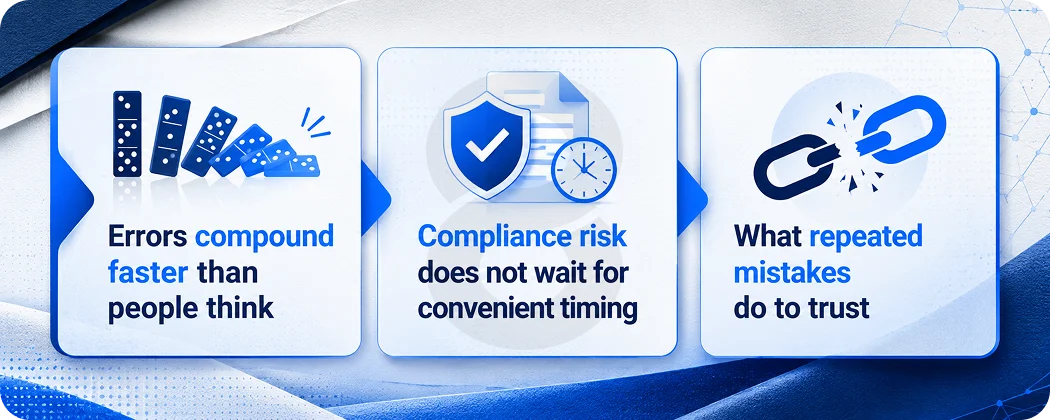
Errors compound faster than people think
Payroll mistakes rarely show up as one big disaster. They show up as a string of small ones that add up before anyone notices the pattern. A widely cited EY survey on payroll errors found that organizations relying on manual payroll saw close to a one in five error rate, with the average mistake costing $291 to fix once labor and corrections were counted.
That number sounds small until it gets multiplied across a real payroll. A business correcting fifteen errors a cycle, every two weeks, is paying for a part time employee just to fix mistakes that should not have happened. None of that includes the time an owner spends explaining to a frustrated employee why their check was short.
Compliance risk does not wait for convenient timing
Tax mistakes carry a different kind of cost than a wrong paycheck. The IRS does not offer a grace period for missed or inaccurate deposits. Failure to deposit penalties start almost as soon as a deposit misses its window and they grow the longer the issue sits unresolved.
This is where data sensitivity matters too. Payroll touches bank accounts, social security numbers and tax identifiers, the same category of information that fintech platforms handling money movement are built to protect.
A payroll system that treats that data casually is not just a compliance risk. It is a trust problem waiting to surface at the worst possible time.
What repeated mistakes do to trust
Money mistakes hit differently than other errors. An employee who gets a wrong invoice number shrugs it off. An employee who gets a wrong paycheck remembers it, especially if rent is due that week.
Research on payroll and the employee experience has consistently found that repeated pay mistakes are one of the fastest ways to push someone toward job hunting, often faster than a difficult manager or a slow promotion cycle.
This is the part that rarely makes it into a budget conversation about payroll software. The cost is not just the $291 fix. It is the slow erosion of trust that shows up later as turnover, which costs far more than any payroll subscription ever would.
Core Features That Separate Good Payroll Software Solutions from Bad Ones
Plenty of platforms call themselves payroll software solutions. Far fewer actually handle the parts that cause the most damage when they fail. A few features are worth checking before signing anything.
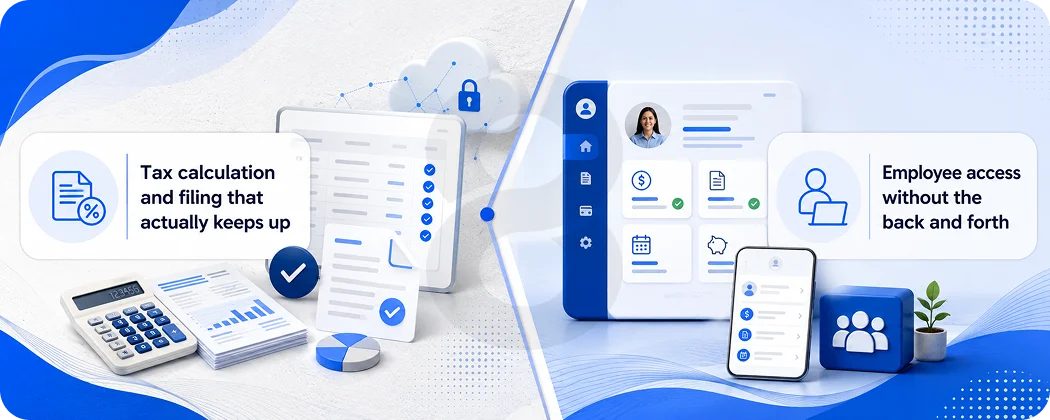
Tax calculation and filing that actually keeps up
Tax rates change at the federal, state and local level, often without much warning. The software should update those rates on its own, calculate withholding correctly for every employee, and file with the right agency on the right schedule. Anything less just moves the manual work somewhere else in the business.
This matters even more for businesses operating in more than one state. A multistate workforce means juggling different income tax rules, different unemployment insurance rates and sometimes different local taxes inside the same state.
Software that handles this without someone manually tracking each jurisdiction is the difference between a clean payroll run and a quiet compliance problem nobody notices until an audit.
Employee access without the back and forth
Employees expect to see their own pay stubs, update tax withholding and check hours without emailing HR every time.
A basic portal covers most of that. Some platforms go further with a dedicated mobile app where employees can check a pay stub or update direct deposit details from a phone, which cuts down on the small requests that quietly eat an HR person’s week.
None of this needs to be flashy. It just needs to work without a phone call.
Read More: Project Management Software Development: How Teams Meet Deadlines
Where Payroll Connects to the Rest of the Business
Payroll rarely operates alone. It needs to talk to accounting software for the general ledger, time tracking tools for hourly employees and sometimes a benefits provider for deductions. A platform that requires manual exports and reimports between these systems just relocates the error risk instead of removing it.
The businesses that get the most value tend to pick payroll software solutions that connect directly to whatever accounting and time tracking tools they already run, rather than forcing a switch across the entire stack just to fix one piece of it.
Not every business needs the same depth of coverage. Here is a rough breakdown of how these platforms tend to split.
| Type of Payroll Software | Best Fit | What It Covers |
|---|---|---|
| Basic payroll software | Owners comfortable handling their own tax filings | Wage calculation, pay stubs, direct deposit |
| Full service payroll software | Businesses that want filing handled for them | Wage calculation plus tax filing and deposits |
| HR integrated payroll platforms | Growing teams adding benefits and time tracking | Payroll plus HR, benefits and attendance tools |
| Custom built payroll software | Companies with pay rules that do not fit a template | Payroll logic built around the business itself |
How Automated Payroll Management Works Day to Day
Automated payroll management sounds like it should mean nobody touches payroll again. That is not quite how it works. The automation handles the repetitive parts while a person still owns the decisions that change from one pay period to the next.
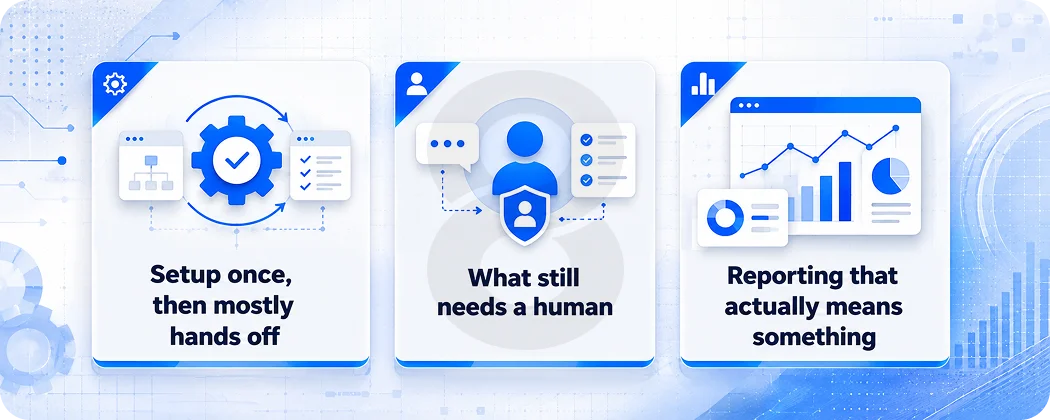
Setup once, then mostly hands off
Most of the heavy lifting in automated payroll management happens during setup, not during the actual pay run. Someone enters employee details, pay rates, tax information and deduction rules one time. After that, the system pulls from those settings every cycle without needing the same information typed in again.
Many modern systems offer a feature often called auto payroll. Once a business sets recurring pay for salaried or hourly staff, the system runs payroll on schedule without anyone opening the software that day. The business gets a notice ahead of the run in case something needs to change, but the default state is automatic.
What still needs a human
Automation handles the predictable parts. It does not handle a new hire who just joined, a raise that needs entering, or an employee who picked up a different role with a different pay rate this week. Those changes still need a person to update the system before the next run.
This is the honest version of automated payroll management. It removes the repetitive busywork, not the judgment calls. A business still needs someone who understands payroll well enough to catch when a number looks wrong, even if the system caught most of the obvious mistakes already.
Reporting that actually means something
Automated systems also produce something spreadsheets rarely do well, which is a clean trail of what happened and when. A report showing labor cost by department, overtime trends across a quarter or how many off cycle corrections happened in the last six months gives an owner something to act on instead of just a record of what was paid.
This kind of visibility matters more once a business has investors, lenders or a board asking questions about labor cost. A spreadsheet can answer those questions eventually. Automated payroll management usually answers them in a few clicks.
Read More: Time Tracking Software Development: Features, Tech Stack & Timeline
Picking the Right Fit for a Small or Simple Team
A business with a handful of salaried employees on one pay schedule in one state does not need much. Basic payroll software covering wage calculation, tax withholding and direct deposit usually covers the entire need. Spending more for features that will not get used just adds a learning curve nobody asked for.
Read More: How to Hire a Software Development Team: 12-Step Guide
When Payroll Gets More Complicated
Most payroll problems are not really about payroll. They are about complexity that built up faster than the system meant to handle it. Two situations tend to push a business past what a basic platform can manage.
Multistate teams and growing compliance needs
Hiring across state lines changes the math fast. Each state brings its own income tax rules, unemployment insurance rates and sometimes city level taxes layered on top. A platform built for single state payroll will start showing cracks the moment a second state enters the picture, usually in the form of a wrong withholding or a missed filing deadline nobody caught until a notice arrived.
Companies whose pay rules do not fit a template
Some businesses run on pay structures that do not match what off the shelf software expects. Commission tiers that change by region, union pay scales and project based contractor payments mixed with salaried staff are common examples. These situations push past what a generic platform can flex around without workarounds.
This is usually the point where a business starts looking at custom payroll software built around their exact pay rules instead of bending their business to fit a template. It costs more upfront than a subscription, but it removes the workaround layer that otherwise has to get rebuilt every time the business changes something about how it pays people.
Read More: How to Build an Appointment Scheduling System Like Calendly
Choosing a Payroll Software Solution That Will Not Need Replacing in a Year
Picking a system is less about finding the platform with the most features and more about finding the one that will not need replacing once the business looks different than it does today. A few questions tend to separate a good fit from a future migration headache.
- Does the platform handle every state the business currently operates in, plus the ones it might expand into next year?
- Can it integrate with the accounting and time tracking tools already in use, or will data need manual exporting?
- Does it support the specific pay structures in use, including commissions, contractors or shift differentials?
- What happens to support and pricing once the employee count doubles?
- Is switching providers later simple, or does the data get locked into a format that is hard to export?
None of these questions have a universally right answer. A five person company and a two hundred person company will land on different platforms, and that is fine. The mistake is picking based on price alone and discovering eighteen months later that the system cannot handle a second state or a commission structure the business just added.
How 8ration Helps Businesses Build Payroll Software Solutions That Fit
8ration works with businesses that have outgrown what a subscription payroll tool can offer, usually because their pay rules, integrations or compliance needs have gotten specific enough that a generic platform keeps requiring workarounds.
The team builds payroll software solutions from the ground up, designed around how a business actually pays people rather than how a vendor assumes most businesses pay people.
Custom builds versus off the shelf tools
A subscription platform has to work for thousands of different businesses at once, which means it stays general by design. A custom build only has to work for one business, which means it can handle the specific commission structure, the specific state mix or the specific approval chain that a generic tool treats as an edge case.
8ration’s developers map out the actual pay logic first, then build the system around it instead of forcing the business to adjust its own process to fit the software.
Where AI fits into modern payroll systems
Newer payroll builds increasingly use AI models trained on payroll history to flag anomalies before a paycheck goes out, catching things like a sudden jump in hours, a duplicate entry or a deduction that does not match an employee’s usual pattern.
This kind of detection does not replace a payroll administrator. It just gives them a flag to check before money moves instead of a mess to clean up after it already did.